
“Regression testing without tests” sounds like a contradiction. Usually, regression testing starts with a suite of checks somebody has already written and a set of expectations somebody has already defined. But what if you have neither, and you still need to know whether the API in TEST behaves like the one in PROD?
This is what we call regression out of the box. Rentgen takes one working request, generates tests from it, and lets you compare the results across environments. You do not need an OpenAPI file, a collection of assertion scripts, or a configured CI pipeline to get started. The first useful input is a real cURL request that you already know works.
Start with a working request
Import your cURL into Rentgen and send it to the environment you want to use as a baseline. That might be the current production version, for example. Check that the request succeeds and returns the response you expect before generating tests around it.
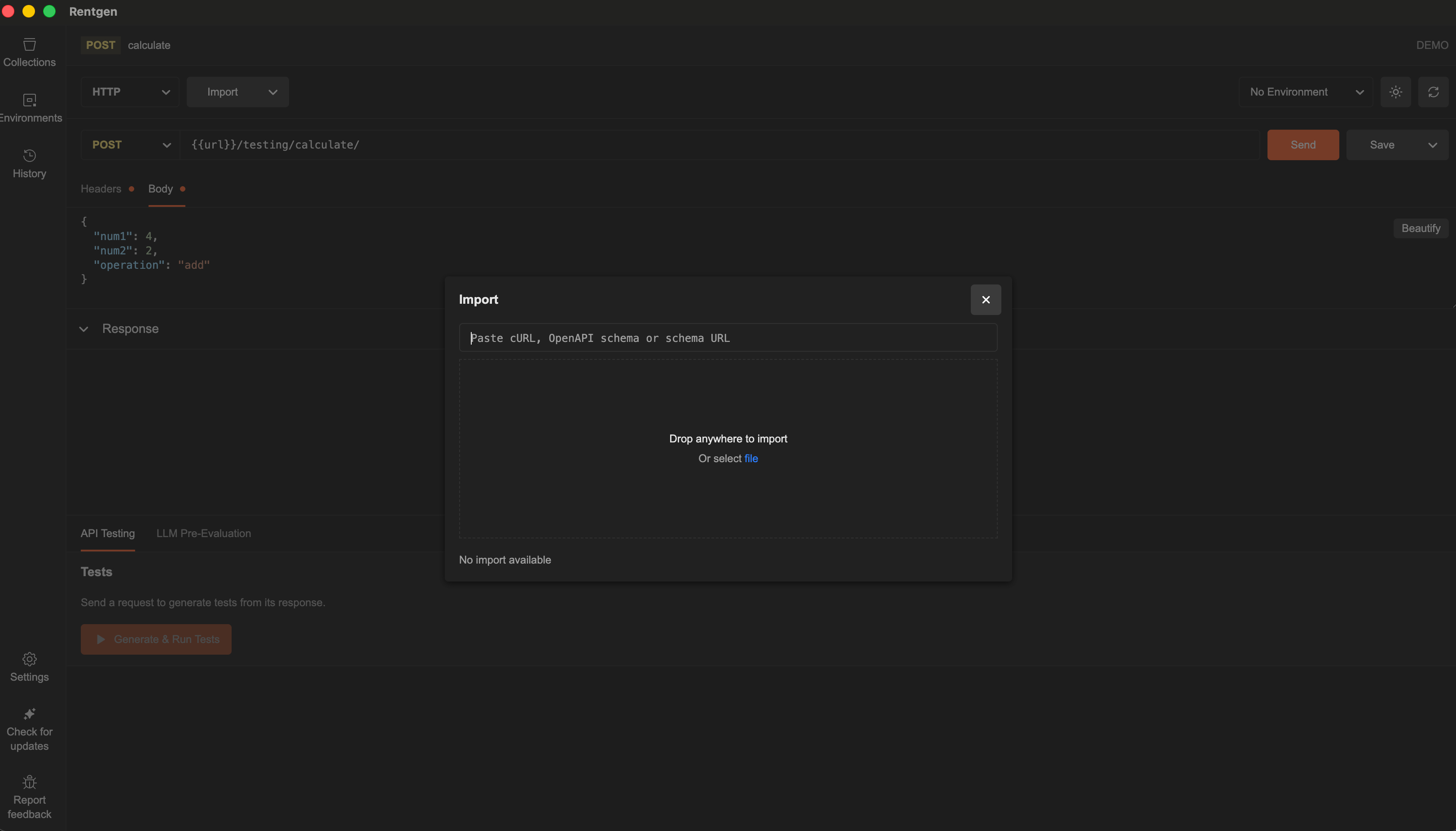
Next, map the fields. Tell Rentgen what each field represents: an ID, a timestamp, a numeric value, an enum, or a value that is expected to change. This gives the engine context it cannot get from a response alone. A different ID between environments may be perfectly normal; a field that unexpectedly changes type deserves a closer look.
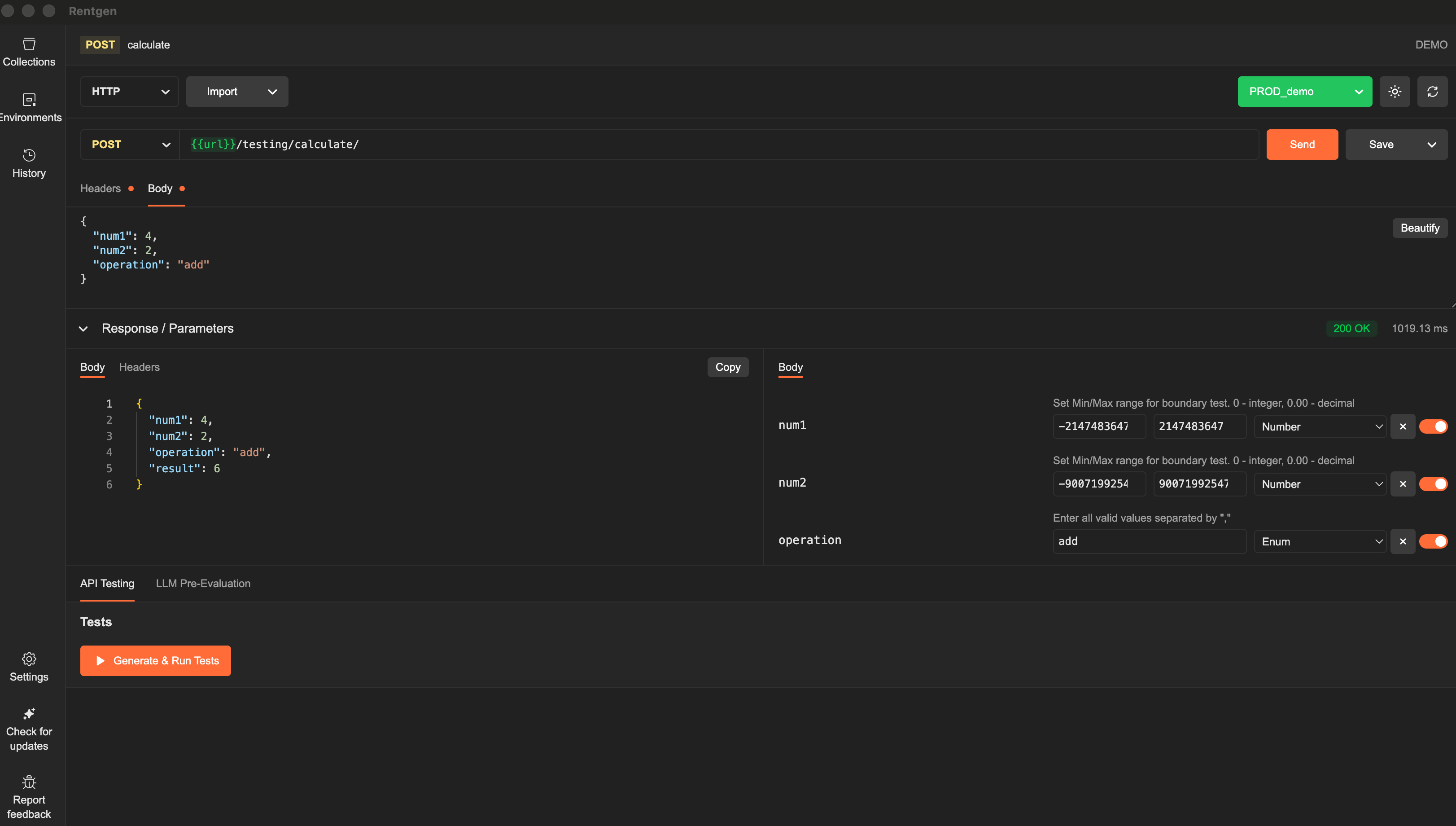
Once the fields are mapped, press Generate and Run. Rentgen generates structured tests from the request, mutates inputs, checks structural consistency, validates error handling, and evaluates response behavior. Depending on the request, that can mean dozens or hundreds of checks without writing each test case manually.
Run the same request in another environment
When the first run finishes, press Select for Compare. That run becomes the baseline for your comparison. Then switch environments, for example from PROD to TEST, and send the same request to the corresponding endpoint.
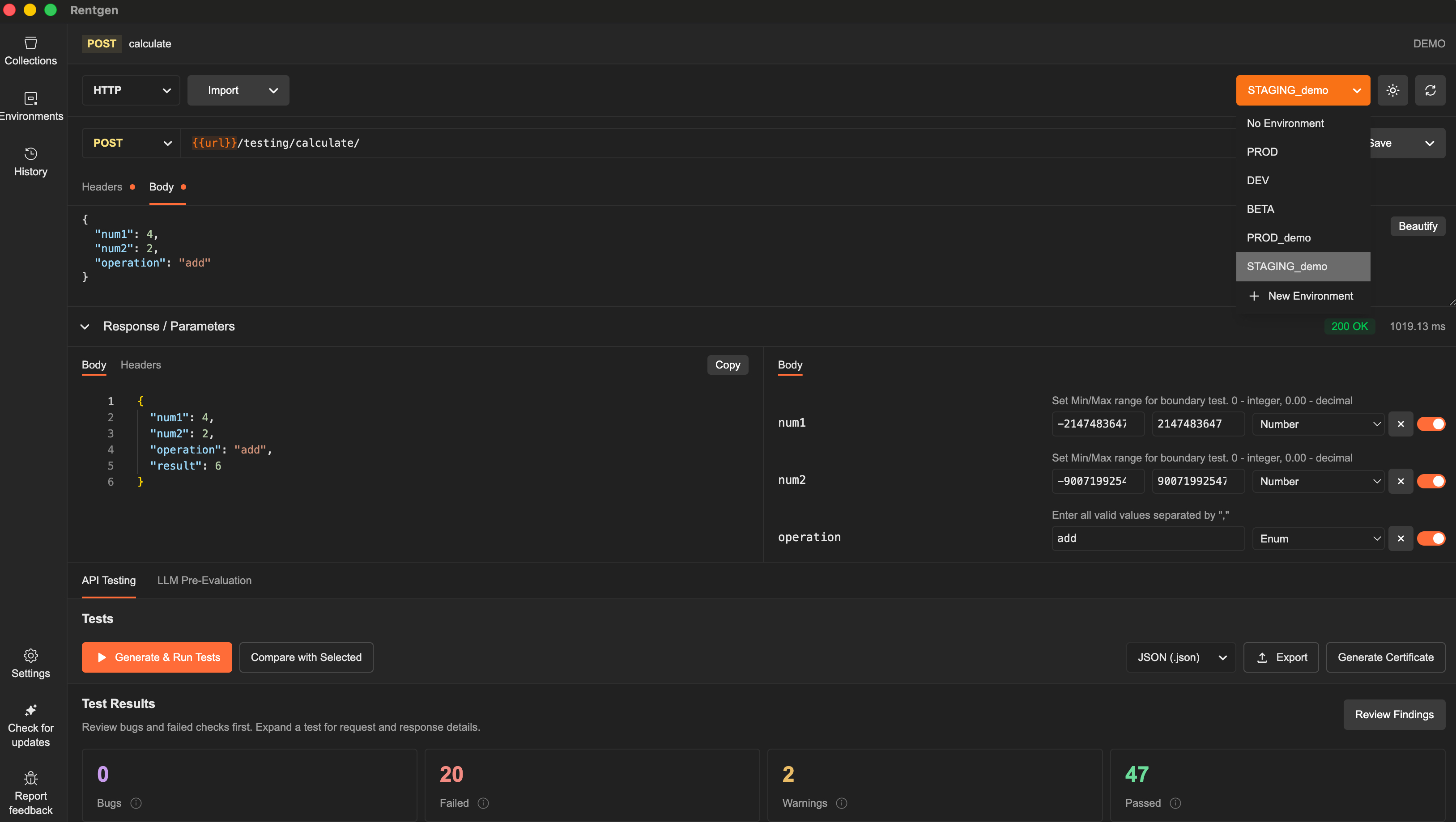
Map the fields again for the second environment, since its data and returned values may differ, then press Generate and Run once more. After that run completes, click Compare with Selected. You now have a comparison of how the API behaved under generated tests in both environments, rather than just two successful responses to the original request.
A useful comparison needs to understand noise
Two environments rarely return identical data. IDs, timestamps, and other dynamic values can differ even when both implementations behave correctly. A raw JSON diff will show those differences, but it leaves you to work out which ones matter. That becomes tiring quickly when you are looking through the results of many generated checks.
Rentgen uses the field context to filter expected variation and surface potential issues. If the tested behavior is consistent, you get a clean green comparison result. That means the comparison found no relevant drift in these runs; it does not mean every possible behavior of the API has been tested.
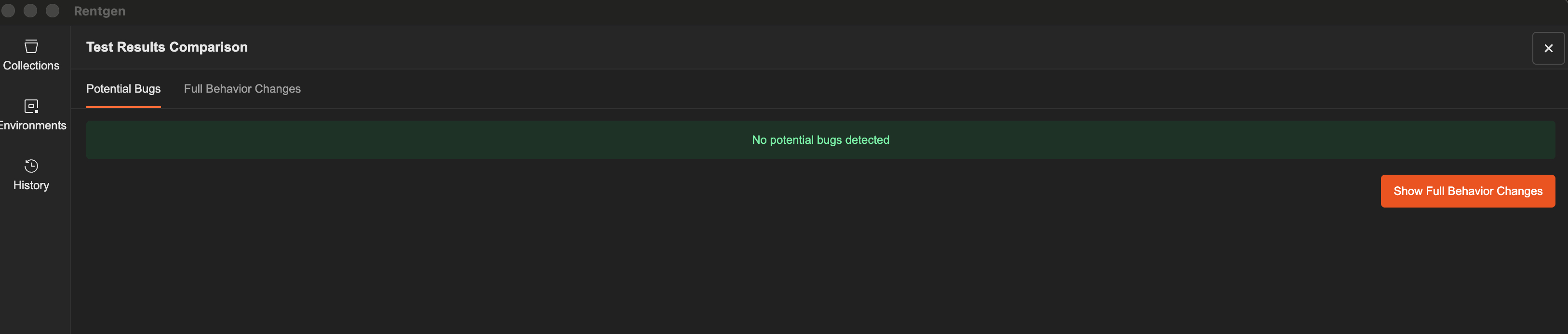
When a meaningful difference appears, Rentgen highlights what changed, where it changed, and why it might be a bug. Imagine invalid input producing a controlled validation error in PROD but a server error in TEST. That is a change in error handling worth investigating. A fresh timestamp in an otherwise consistent response is a different kind of change, and should not demand the same attention.
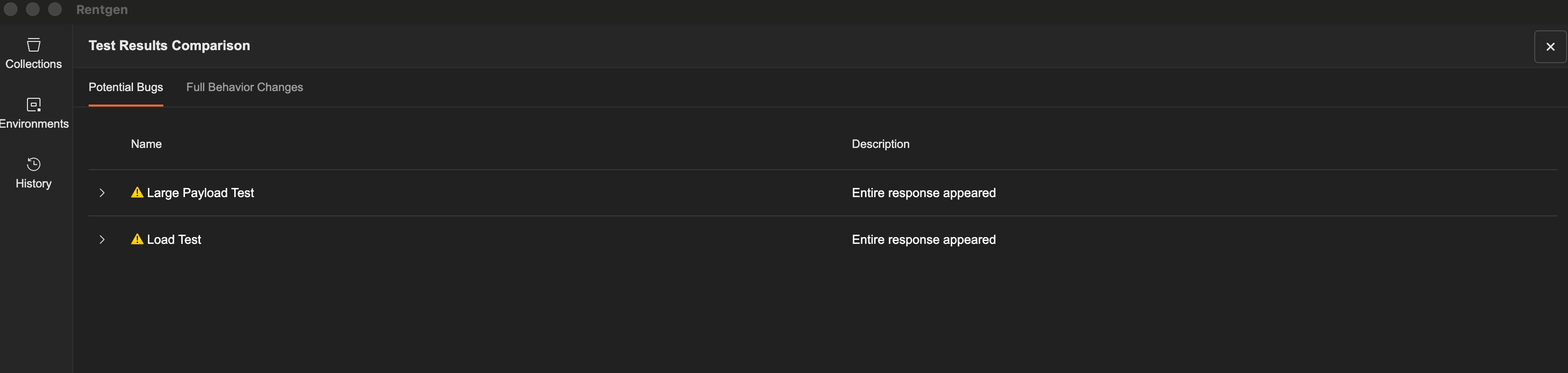
The distinction matters: a difference is evidence to investigate, and an intentional change may be entirely correct. Rentgen helps you focus that investigation by separating likely regressions from routine variation. If you want the complete picture, you can enable the toggle that shows all differences, including raw structural changes. The filtered view keeps the initial review manageable, while the full drift remains available.
Useful before you have a regression suite
This workflow is especially useful early in a project, during a migration, or when checking a new deployment against an existing environment. At those points, you may not yet have a maintained test suite or enough documented expectations to write one confidently. You still need to know whether validation changed, response structures drifted, or error handling degraded.
The baseline gives you a concrete behavior to compare against without requiring you to define every expected result in advance. It is worth remembering that an existing environment can have bugs too: consistent behavior can still be wrong. The comparison answers whether the tested behavior differs between the runs, and helps identify differences that deserve attention.
This is a practical example of Automation Before Automation. You use automated checks to understand the API before investing in formal regression coverage. The findings can then guide the assertions you write and maintain in your test suite, alongside your existing Postman, Playwright, or CI workflow.
You can start investigating API regressions with one real request, field mappings, and two runs. You do not have to wait until a framework is configured or a collection of tests is ready. That is regression out of the box: a way to find meaningful changes between environments while your written test count is still zero.